Pirate Photo Editor1.0.7
Publisher Description
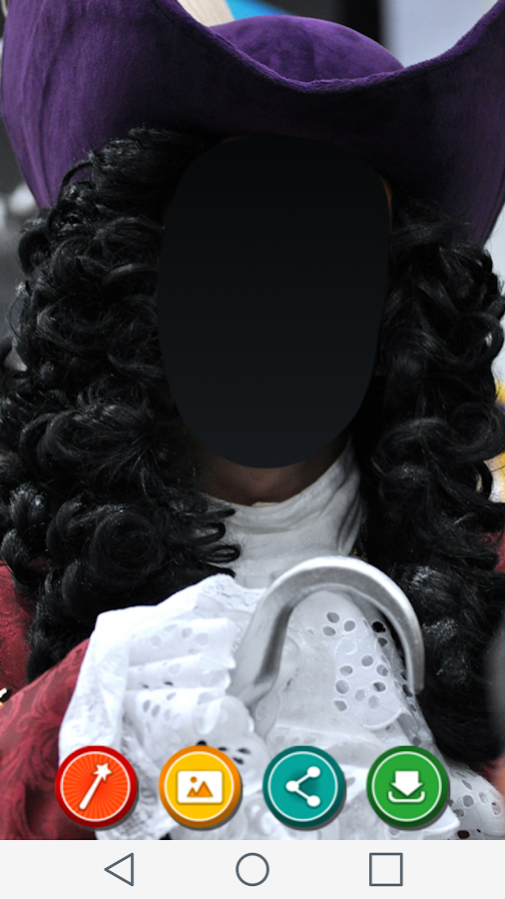
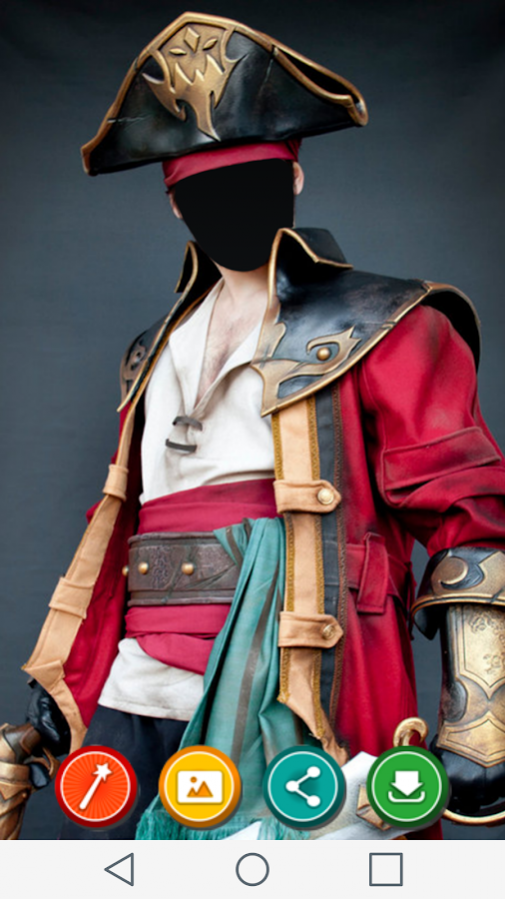
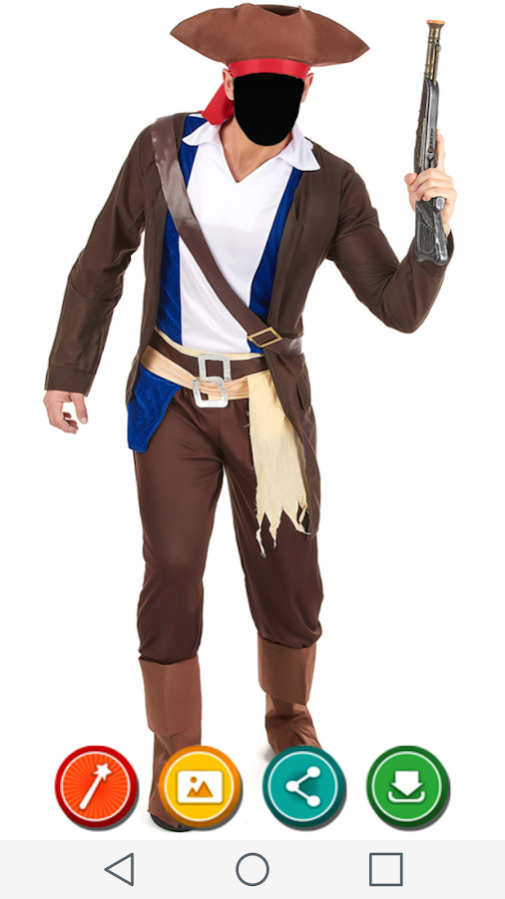
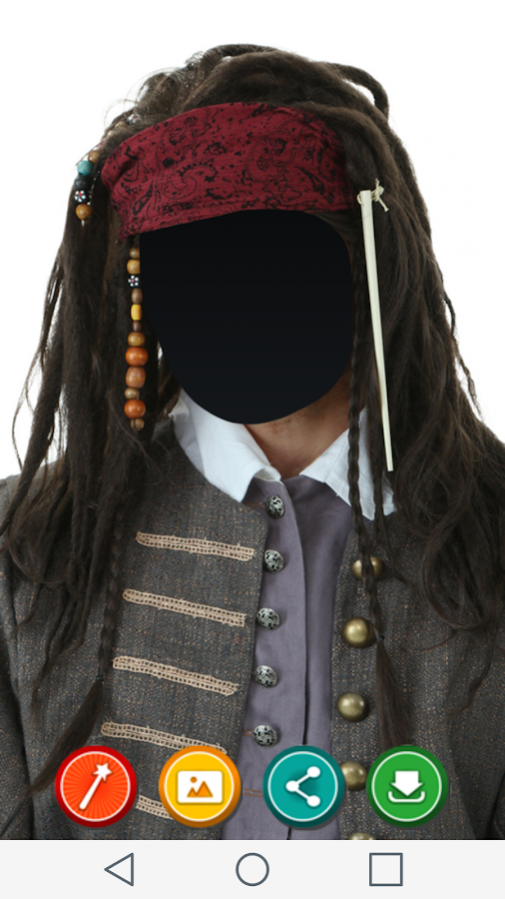
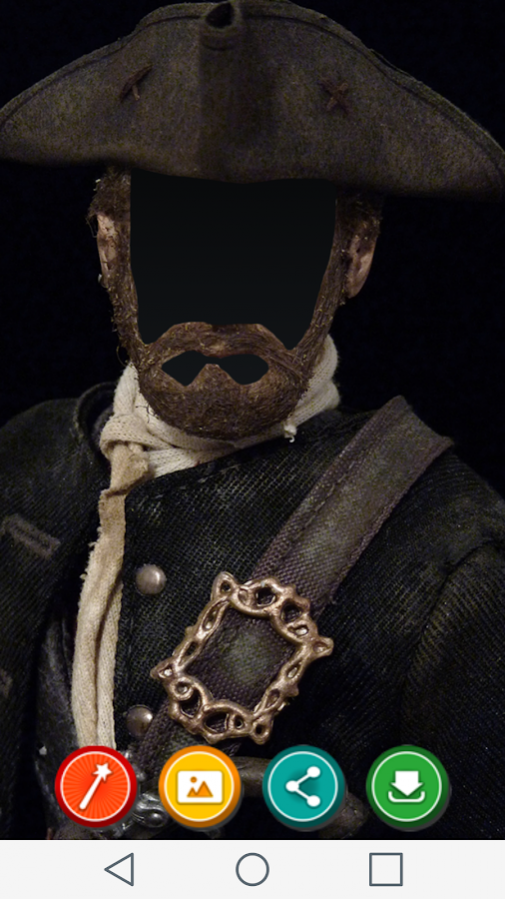
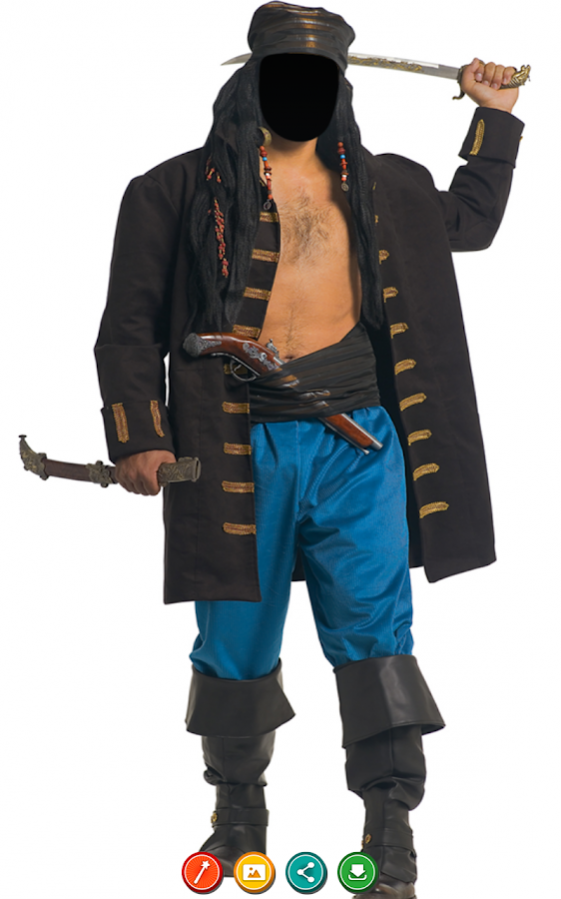
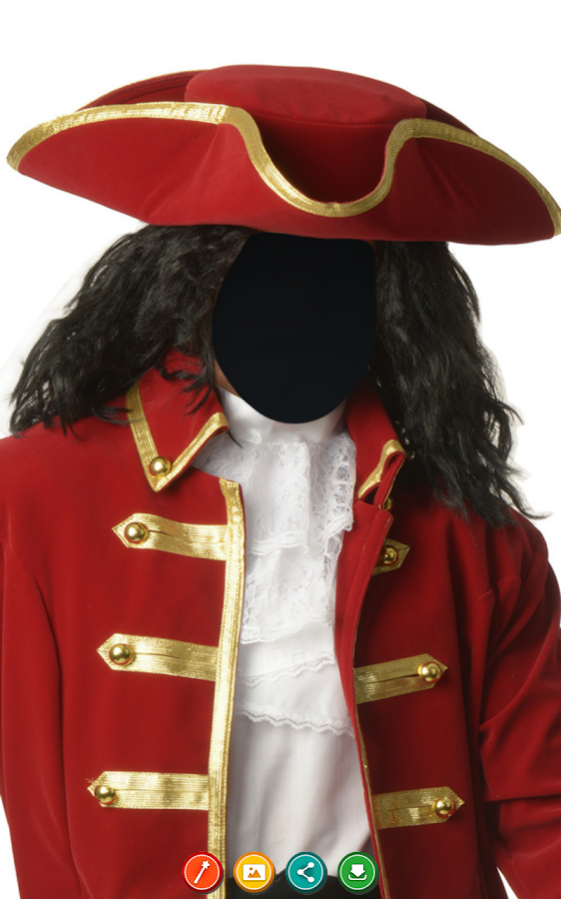
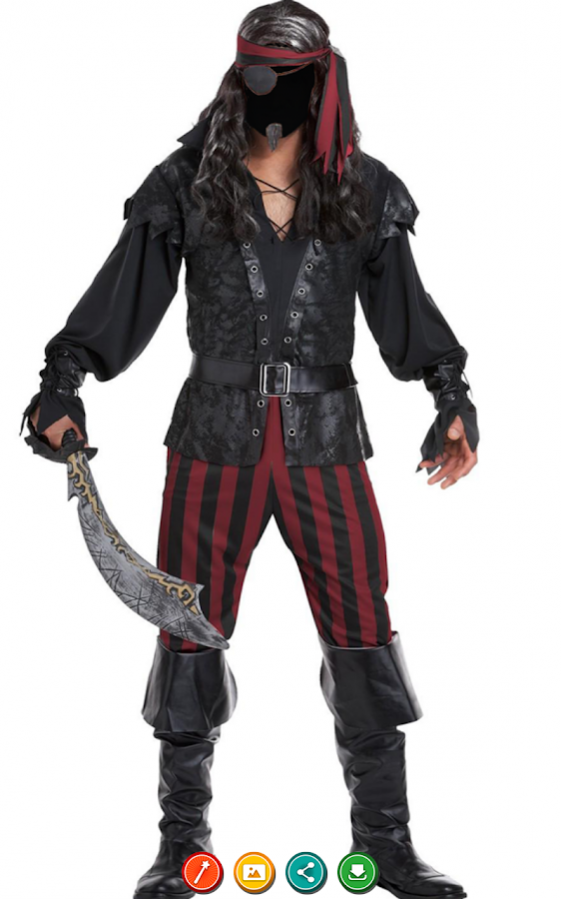
Arrrrr ye’ ready to plunder majestic treasures with this awesome Pirate photo suit? Here’s a Pirate photo montage for all you who want to look like real pirates. Get this Pirate suit photo montage maker and you make all of the land lovers walk the plank. So, we need all hands on deck and we need everyone to get inside this photo booth app android. Put yer face in a hole of the pirate picture and put some holes on yer enemies boats, cause that’s how the real pirates behave.
Pirate Photo Editor is a free app for android that you can download on your tablet or your phone. Use these Photo montages costumes if you want to look like a real pirate, and have some fun. Pirate photo montage is really easy to use just select one Pirate photo suit from our gallery, and one picture of yourself. Put your face in a hole of the picture and rotate it and resize it to fit. Then use Pirate suit photo montage maker to either save the picture, or set it as a wallpaper on your screen. Any image you create with this photo booth can be shared online, so feel free to tell your friends about your new lifestyle. Install our Pirate Photo Editor and you will have some of the best Photo montages costumes to enjoy.
About Pirate Photo Editor
The company that develops Pirate Photo Editor is Best Photo Studio. The latest version released by its developer is 1.0.7. This app was rated by 1 users of our site and has an average rating of 0.5.
To install Pirate Photo Editor on your Android device, just click the green Continue To App button above to start the installation process. The app is listed on our website since 2017-07-27 and was downloaded 265 times. We have already checked if the download link is safe, however for your own protection we recommend that you scan the downloaded app with your antivirus. Your antivirus may detect the Pirate Photo Editor as malware as malware if the download link to com.bestphotostudio.pirate is broken.
How to install Pirate Photo Editor on your Android device:
- Click on the Continue To App button on our website. This will redirect you to Google Play.
- Once the Pirate Photo Editor is shown in the Google Play listing of your Android device, you can start its download and installation. Tap on the Install button located below the search bar and to the right of the app icon.
- A pop-up window with the permissions required by Pirate Photo Editor will be shown. Click on Accept to continue the process.
- Pirate Photo Editor will be downloaded onto your device, displaying a progress. Once the download completes, the installation will start and you'll get a notification after the installation is finished.
